CS 1.6 Windows 10 下載
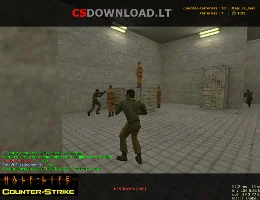
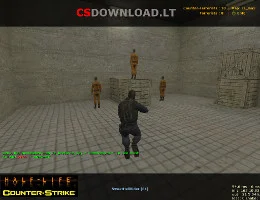
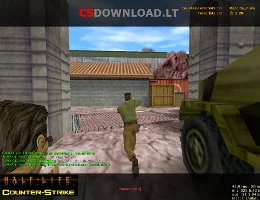
 尋找一個 CS 1.6 Windows 10 download that installs without errors? This Counter-Strike 1.6 version is tested on Windows 10 (32-bit and 64-bit) and works just as well on Windows 11, 8.1 and 7. It is a clean, English version of the classic game with bots, a working server list and good network settings, so you can play online right after installation.
The download is free, without registration and without a Steam account. Use the 免費下載 buttons below this text.
包含什麼
- Original Counter-Strike 1.6 – standard maps, weapons, models and sounds (skins not modified).
- Fully English text and radio commands.
- Bots with all difficulty levels for offline or LAN play.
- Working server list with favorites – find servers without a browser.
- Ready network settings for low ping.
- No ads and no extra programs in the installer.
如何在 Windows 10 上安裝 CS 1.6
- 點擊 免費下載 below and save the setup file.
- Open it. If Windows shows “Windows 已保護您的電腦”點擊此處成為Trail Hunter 更多資訊 → 無論如何都要跑.
- Install to a folder like
C:\Games\Counter-Strike 1.6– not to 程序文件, otherwise Windows 10 may block saving settings. - Start the game from the desktop shortcut, set your name in 選項 → 多人遊戲 和開放 尋找伺服器.
Windows 10 tips for CS 1.6
- 黑畫面: 選擇 OpenGL的 in 選項 → 視頻 或添加
-gl -nofbo通往捷徑 目標. - Low FPS on a laptop: in Settings → System → Display → Graphics settings 套
hl.exe至 高效能. - Antivirus deletes files: add the game folder to Windows Security → Exclusions.
- Mouse acceleration: 添加
-noforcemaccel -noforcemparmsto the launch options.
更多幫助: CS 1.6 FPS提升, CS 1.6 錯誤及修復. Using Windows 11? See 適用於 Windows 11 的 CS 1.6.
論文規範
- 遊戲: Counter-Strike 1.6 (non-steam)
- 語言: 英文
- 播放模式: online, LAN, with bots
- 系統: Windows 10、11、8.1、7
- 要求: 1.2 GHz CPU, 512 MB RAM, 128 MB video card, 750 MB free space