دانلود CS 1.6 برای ویندوز 10
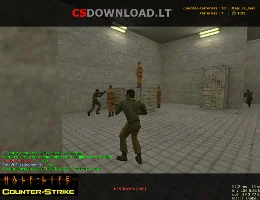
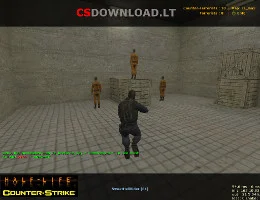
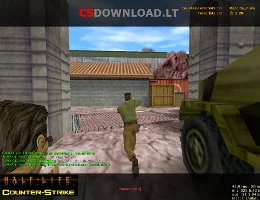
 در حال جستجو برای CS 1.6 Windows 10 download that installs without errors? This Counter-Strike 1.6 version is tested on Windows 10 (32-bit and 64-bit) and works just as well on Windows 11, 8.1 and 7. It is a clean, English version of the classic game with bots, a working server list and good network settings, so you can play online right after installation.
The download is free, without registration and without a Steam account. Use the دانلود buttons below this text.
شامل چه چیزی است
- Original Counter-Strike 1.6 – standard maps, weapons, models and sounds (skins not modified).
- Fully English text and radio commands.
- Bots with all difficulty levels for offline or LAN play.
- Working server list with favorites – find servers without a browser.
- Ready network settings for low ping.
- No ads and no extra programs in the installer.
نحوه نصب CS 1.6 در ویندوز 10
- کلیک کنید دانلود below and save the setup file.
- Open it. If Windows shows «ویندوز از رایانه شما محافظت کرد»کلیک کنید اطلاعات بیشتر → به هر حال فرار کنید.
- Install to a folder like
C:\Games\Counter-Strike 1.6– not to برنامه فایلها, otherwise Windows 10 may block saving settings. - Start the game from the desktop shortcut, set your name in گزینهها → چند نفره و باز پیدا کردن سرورها.
Windows 10 tips for CS 1.6
- صفحه نمایش سیاه: را انتخاب کنید اپنجیال in گزینهها → ویدئو یا اضافه کنید
-gl -nofboبه مسیر میانبر هدف. - Low FPS on a laptop: in Settings → System → Display → Graphics settings تنظیم
hl.exeبه کارایی بالا. - Antivirus deletes files: add the game folder to Windows Security → Exclusions.
- Mouse acceleration: اضافه کردن
-noforcemaccel -noforcemparmsto the launch options.
کمک بیشتر: افزایش فریم ریت در کانتر ۱.۶, خطاها و رفع مشکلات CS 1.6. Using Windows 11? See سی اس ۱.۶ برای ویندوز ۱۱.
مشخصات
- بازی: Counter-Strike 1.6 (non-steam)
- زبان: انگلیسی
- حالتهای پخش: online, LAN, with bots
- سیستم های: ویندوز 10 ، 11 ، 8.1 ، 7
- مورد نیاز: 1.2 GHz CPU, 512 MB RAM, 128 MB video card, 750 MB free space