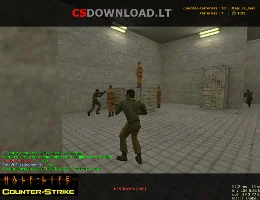
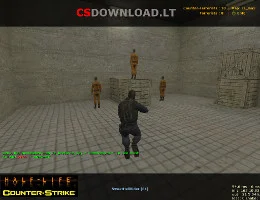
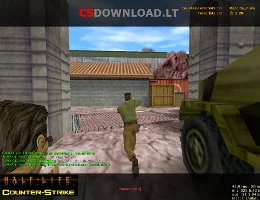
Descarga de CS 1.6 para Windows 10
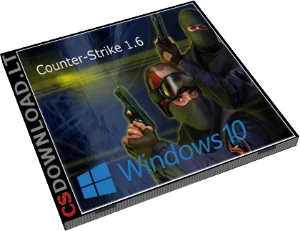 Buscando un CS 1.6 Windows 10 download that installs without errors? This Counter-Strike 1.6 version is tested on Windows 10 (32-bit and 64-bit) and works just as well on Windows 11, 8.1 and 7. It is a clean, English version of the classic game with bots, a working server list and good network settings, so you can play online right after installation.
The download is free, without registration and without a Steam account. Use the Descargar buttons below this text.
Qué incluye
- Original Counter-Strike 1.6 – standard maps, weapons, models and sounds (skins not modified).
- Fully English text and radio commands.
- Bots with all difficulty levels for offline or LAN play.
- Working server list with favorites – find servers without a browser.
- Ready network settings for low ping.
- No ads and no extra programs in the installer.
Cómo instalar CS 1.6 en Windows 10
- Haga clic en Descargar below and save the setup file.
- Open it. If Windows shows “Windows protegió su PC”, haga clic Más información → Corre de todos modos.
- Install to a folder like
C:\Games\Counter-Strike 1.6– not to archivos de programa, otherwise Windows 10 may block saving settings. - Start the game from the desktop shortcut, set your name in Options → Multiplayer y abierto Buscar servidores.
Windows 10 tips for CS 1.6
- Pantalla en negro: choose OpenGL in Opciones → Vídeo o agregar
-gl -nofboal atajo Objetivo. - Low FPS on a laptop: in Settings → System → Display → Graphics settings y configure
hl.exea Análisis de alto. - Antivirus deletes files: add the game folder to Windows Security → Exclusions.
- Mouse acceleration: add
-noforcemaccel -noforcemparmsto the launch options.
Más ayuda: Mejora de FPS de CS: 1.6, Errores y correcciones de CS 1.6. Using Windows 11? See CS 1.6 para Windows 11.
Especificaciones
- Juego: Counter-Strike 1.6 (non-steam)
- Idioma: Inglés
- Modos de juego: online, LAN, with bots
- Sistemas: Windows 10, 11, 8.1, 7
- Requisitos: 1.2 GHz CPU, 512 MB RAM, 128 MB video card, 750 MB free space